Best WhatsApp Marketing Software: 10 Tools Compared (2026)

Summarize this article with an AI
 ChatGPT
 Claude
The 10 best WhatsApp marketing software tools compared: features, e-commerce integrations and starting prices for Kanal, Wati, Zoko, Charles and more.
Table of contents (17)
Key takeaways
- WhatsApp marketing software should run on the official WhatsApp Business API, sync natively with your store and automate abandoned cart recovery first.
- You pay a platform subscription plus Meta's per-message fees, which some platforms pass through at cost and others mark up per conversation.
- Since October 1, 2026, Meta also charges service messages at the utility rate after 1,000 free ones per business phone number each month.
- Kanal, our pick for online stores, sends WhatsApp campaigns to segments synced from Shopify and runs automated flows on store events, from $89/month.
The best WhatsApp marketing tools turn WhatsApp into a revenue channel: segmented broadcasts, automated flows on store events and a shared inbox. For online stores, our pick is Kanal.
Kanal is a WhatsApp marketing and sales app for Shopify stores, installed from the Shopify App Store and running on the official WhatsApp Business Platform. As WhatsApp marketing software, Kanal sends campaigns and WhatsApp newsletters to segments synced from Shopify, runs automated flows on store events (abandoned cart recovery, order notifications, back-in-stock alerts, review requests) and gives the team a shared inbox with an AI chatbot. Kanal is relevant for Shopify stores that want WhatsApp as a marketing and support channel. It sends WhatsApp and SMS messages: email stays in the merchant's other tools.
Below, we compare Kanal with 9 other WhatsApp marketing software options: Zoko, Chatarmin, Charles, Wati, Interakt, AiSensy, SleekFlow, Respond.io and Trengo. Every third-party fact comes from the vendor's own pricing page, product pages or Shopify App Store listing, read in September 2026. Looking for every kind of WhatsApp app on the Shopify App Store instead? See the best WhatsApp apps for Shopify.
What to look for in WhatsApp marketing software
Five criteria matter for an online store:
- The official WhatsApp Business API. Broadcasts to large opted-in lists, automation and a multi-agent inbox run on the WhatsApp Business API, not on the WhatsApp Business app. Our app vs API comparison explains the difference.
- A native store integration. When products, carts and orders sync on their own, revenue flows work on day one. When they do not, you build a data pipeline with Zapier, Make or webhooks before your first campaign.
- Revenue automation. Abandoned cart recovery comes first: the Baymard Institute puts the average documented cart abandonment rate at 70.22%. Post-purchase follow-ups and segmented broadcasts come next.
- A clear pricing model. Check how Meta's fees are billed: at cost, or with a markup per conversation. Check what the plan includes: users, contacts, conversations and AI credits.
- An inbox, AI and consent. A WhatsApp CRM view of each customer, an AI chatbot for repetitive questions, and opt-in collection that keeps you compliant (see our WhatsApp opt-in and GDPR guide). For customer records beyond WhatsApp, see the best Shopify CRM apps.
How we compared these WhatsApp marketing platforms
- Sources. In September 2026, we opened each vendor's pricing page, its product or integration pages and, when it exists, its Shopify App Store listing. Every fact below comes from those pages.
- Prices. We copied starting prices exactly as displayed, in the vendor's currency, without conversion. Several vendors show yearly billing by default or adapt prices to your country. Check the live page before you buy.
- Criteria. Key marketing features, e-commerce integrations, starting price and how Meta's fees are billed.
- Disclosure. Kanal is our product. It leads this list because it is the tool we recommend for online stores. We kept every other entry neutral and factual.
WhatsApp marketing tools compared
The short version. Each tool gets its own section below.
| Tool | Key marketing features | E-commerce integrations | Starting price (as displayed) |
|---|---|---|---|
| Kanal | Broadcasts, flows on store events, segments, AI chatbot, shared inbox, revenue attribution | Native Shopify app, PrestaShop (store API), Klaviyo, Gorgias, Zendesk | From $89/month (AI chatbot from the Scale plan), Meta fees at cost |
| Zoko | Bulk broadcasts, catalog, click-to-WhatsApp ads, pop-up campaigns, 11 included e-commerce flows | Shopify (built for Shopify stores) | Starter $49.99/mo, plus $0.015 per conversation |
| Chatarmin | Newsletter builder with A/B tests, flows, AI chatbot, revenue tracking | Shopify, Klaviyo, WooCommerce, Shopware, Magento, Gorgias | Custom plan, no public price |
| Charles | Campaigns, journeys, AI agents, carts sent in the chat | Shopify app, Salesforce, Klaviyo, Emarsys, Gorgias | On request |
| Wati | Broadcasts, chatbots, click-to-WhatsApp ads, team inbox, catalog | Shopify app or $4.99/month Shopify add-on, WooCommerce | Growth $69/month (Shopify App Store) |
| Interakt | Campaigns, click-to-WhatsApp ads, chatbot builder, catalog, WhatsApp Pay | Shopify, WooCommerce, Razorpay, PayU | Growth $55/mo (+taxes) |
| AiSensy | Broadcasts, retargeting, chatbot flows, AI agents, ads manager | Shopify app, Razorpay, Shopify checkouts | Basic ₹1,500/mo |
| SleekFlow | Broadcast campaigns, flow builder, AI agents, omnichannel inbox | Shopify, Stripe, Zapier, Make | Pro US$109/month, billed yearly |
| Respond.io | Broadcasts, workflows and AI agents from the Growth plan | Shopify chat widget, order sync via Make, n8n or Zapier | Starter $79/month ($948/yr billed yearly) |
| Trengo | Broadcasting, AI Agent, AI Journeys (beta), omnichannel inbox | Shopify (order context in the inbox) | Boost €299/month billed annually |
The 10 best WhatsApp marketing tools in 2026
1. Kanal, the WhatsApp marketing platform for e-commerce
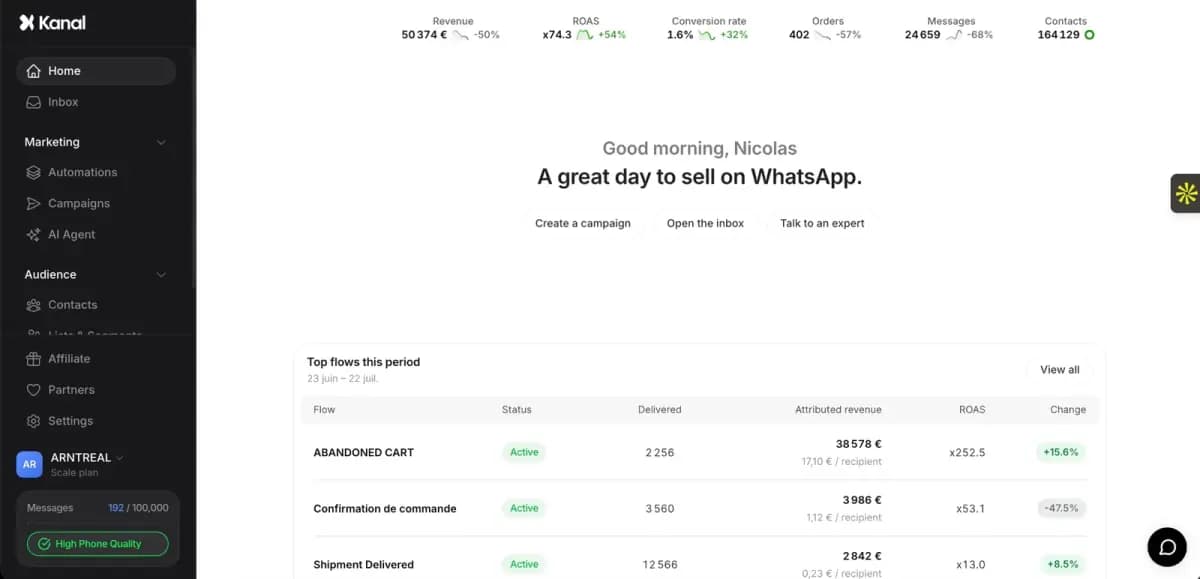
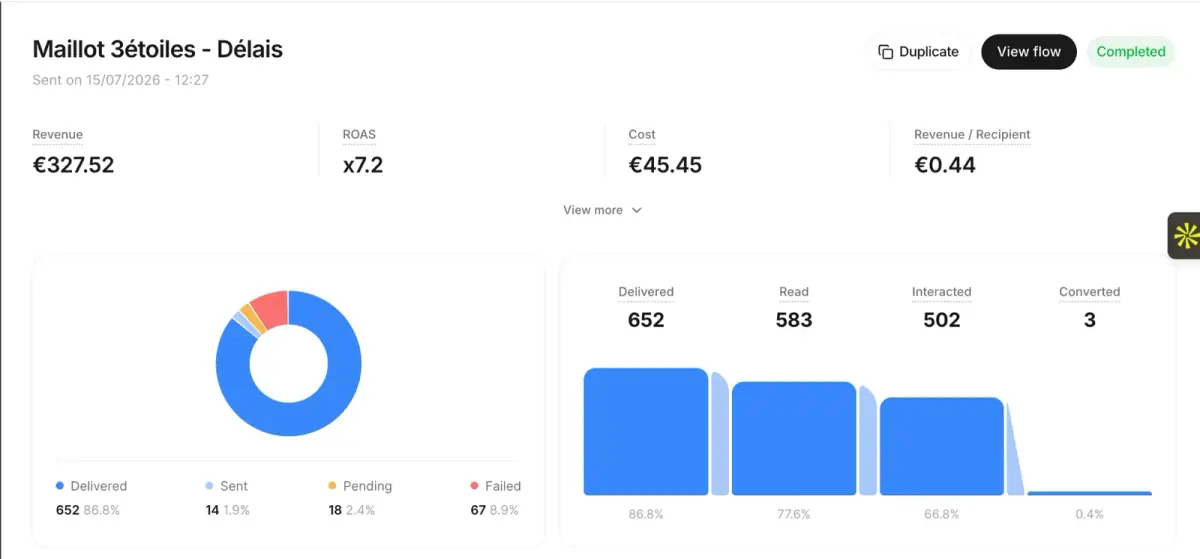 The Kanal app: campaign report.
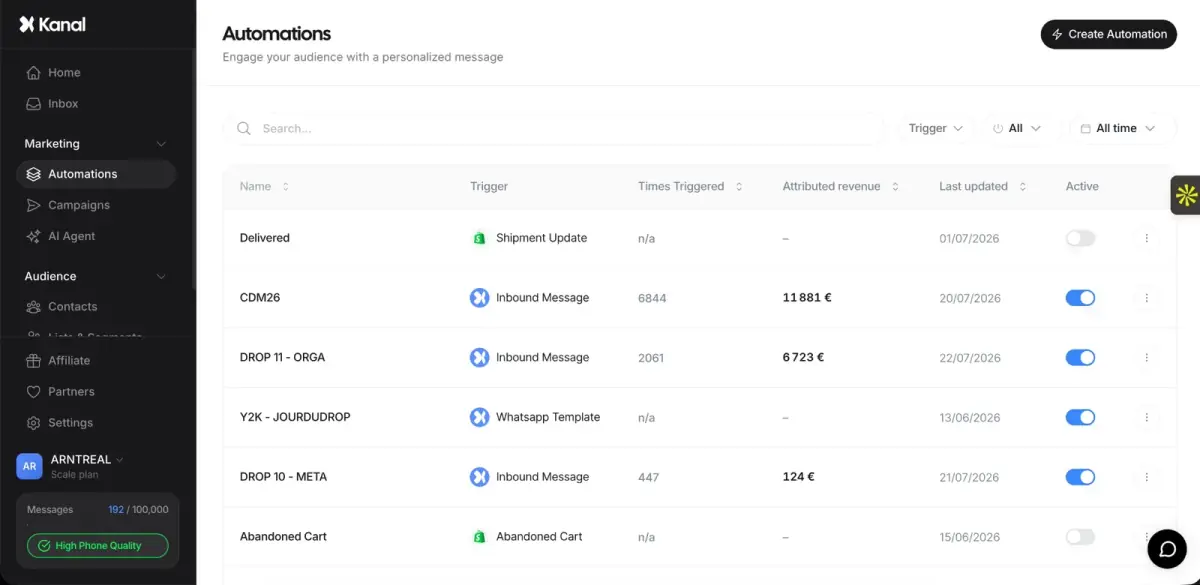 The Kanal app: automations list.
Kanal is a WhatsApp marketing platform for online stores. It installs as a Shopify app, reads your checkouts, orders and customers, and runs WhatsApp from there. PrestaShop stores connect through Kanal's store API, set up with a Kanal expert (PrestaShop integration).
- Revenue flows: abandoned checkout recovery with the product image and a payment link, order and shipping updates, and welcome or win-back automations triggered by store events.
- Campaigns: WhatsApp campaigns to segments built on purchase history, spend and tags. Segments sync from Shopify and Klaviyo, and revenue is tracked per campaign.
- AI and inbox: an AI chatbot trained on your catalog answers product, shipping and return questions 24/7 in 96+ languages, then hands off to a human. Your team replies from a shared inbox with the Shopify order next to each conversation. Gorgias users keep their workflow.
- Setup: Kanal runs on the official WhatsApp Business API and handles Meta Business verification, number provisioning and template approval.
- Pricing: from $89/month. Meta's WhatsApp fees are passed through at cost, with no per-message markup. The AI chatbot, segments and native integrations such as Klaviyo and Gorgias come with the Scale plan, not with the entry Pro plan.
Why it leads this list: every feature follows the e-commerce customer journey, and store data is native from the first install. Book a demo or install Kanal from the Shopify App Store.
2. Zoko, WhatsApp commerce for Shopify stores
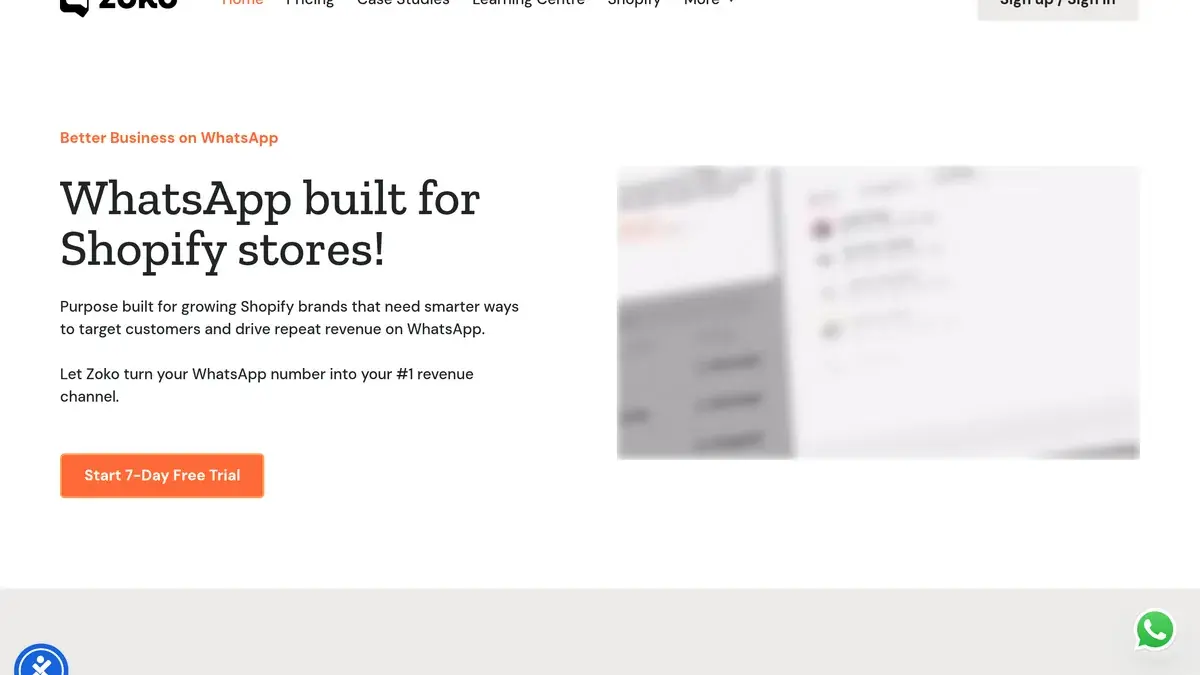 Screenshot of the Zoko website.
Zoko presents itself as WhatsApp built for Shopify stores. Every plan includes WhatsApp bulk broadcasts, catalog messages, click-to-WhatsApp ads, pop-up campaigns, and customer tags and segments.
- E-commerce flows: 11 pre-built flows come with all plans, including abandoned checkout recovery, review collection, COD order confirmation and order notifications. Premium flows cost $5.99/mo per flow.
- AI: AI agents are an add-on at $24.99/mo per agent, and some agents are billed per resolution.
- Pricing: Starter is $49.99/mo with a $0.015 markup on every conversation. Plus is $79.99/mo and includes 5K conversations with no markup. WhatsApp messages follow a rate card. Zoko offers a 7-day trial.
Worth a look only if your team sells mostly inside the chat and relies on cash-on-delivery confirmation flows. See the Kanal vs Zoko comparison.
3. Chatarmin, WhatsApp marketing and AI service for e-commerce
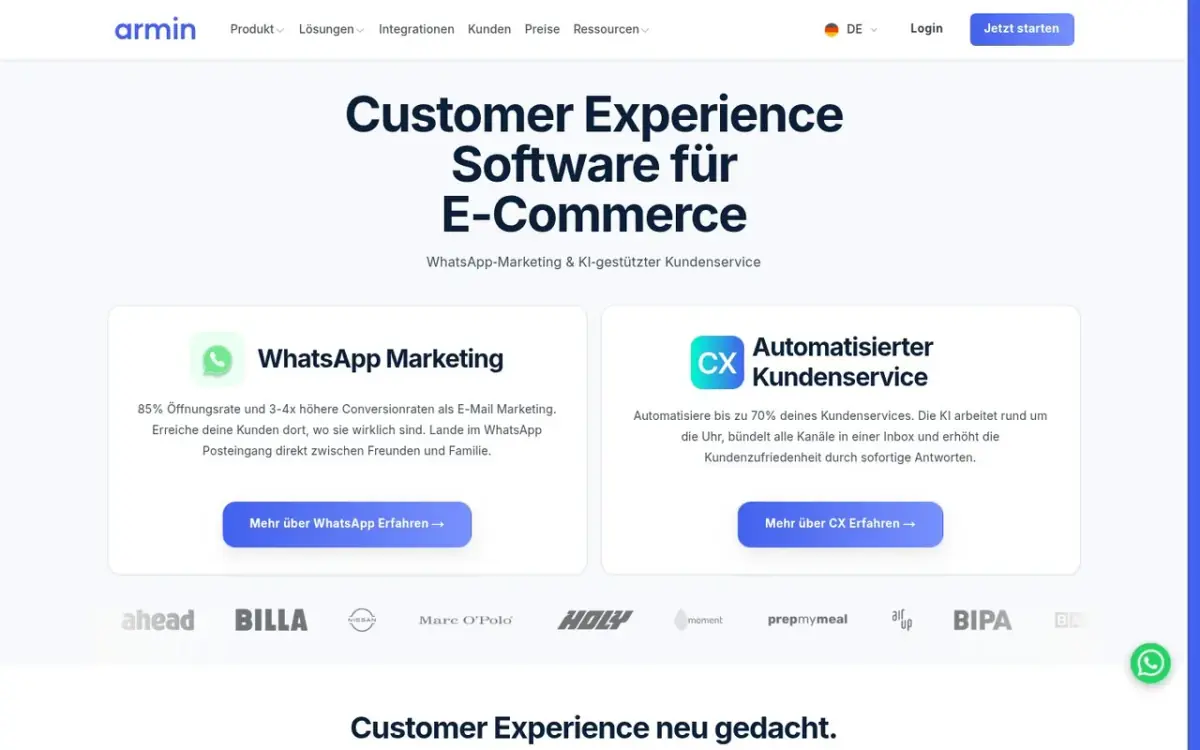 Screenshot of the Chatarmin website.
Chatarmin describes itself as a customer experience platform for e-commerce, combining WhatsApp marketing and AI customer service. It states that its hosting is in Germany.
- Marketing: a WhatsApp newsletter builder with coupon codes, segmentation, scheduling and A/B testing. Flows cover abandoned cart, welcome, post-purchase, winback and birthday journeys. An AI chatbot and revenue tracking are part of the platform.
- Integrations: Shopify (one-click setup), Klaviyo, WooCommerce, Shopware, Magento, Emarsys, Zendesk, Gorgias and Intercom, plus Zapier, Make and n8n.
- Pricing: custom plans, with no public price. The pricing page shows a €0.00 markup per conversation.
Worth a look only if you want a quote-based plan with hosting in Germany, or your store runs on Shopware or Magento. See the Kanal vs Chatarmin comparison.
4. Charles, conversational AI and CRM
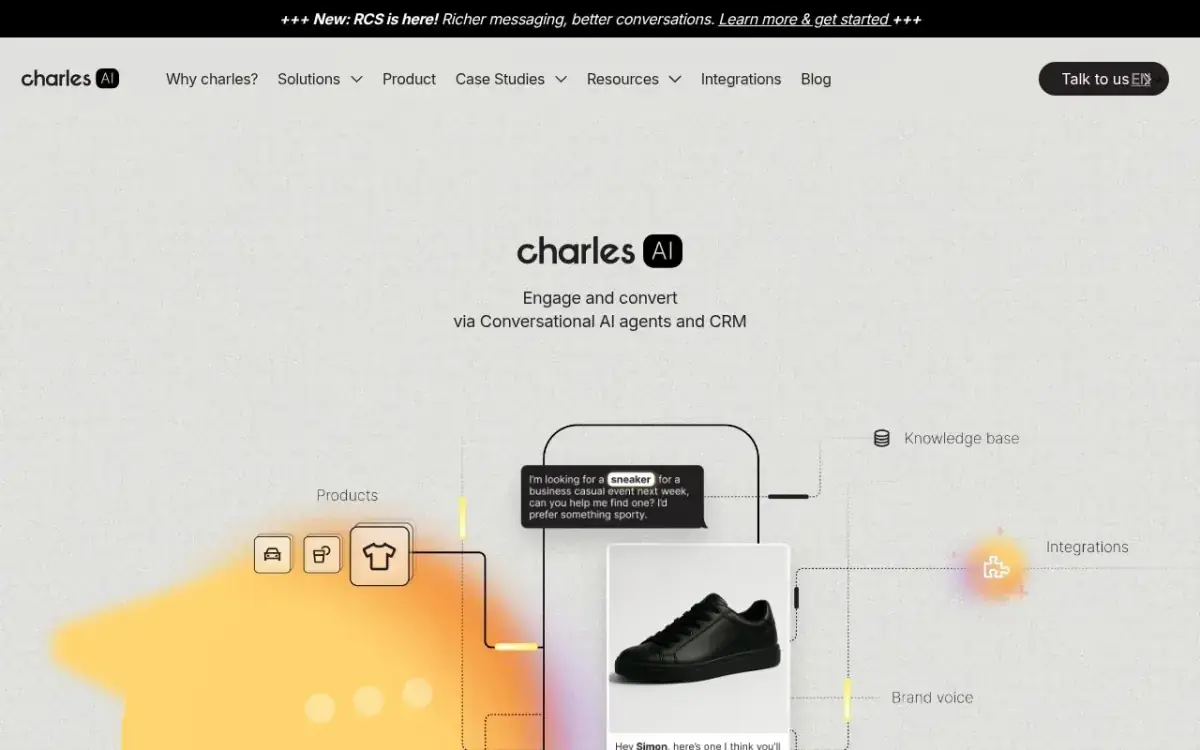 Screenshot of the Charles website.
Charles describes itself as a platform to engage and convert customers with conversational AI agents and a CRM.
- Marketing: WhatsApp campaigns, automated journeys and AI agents. Its Shopify app lists custom carts sent directly in WhatsApp, and its homepage highlights checkout in a few taps.
- Integrations: Shopify, Salesforce, Klaviyo, Emarsys, Zendesk and Gorgias are named on its integrations page. Charles also has an app on the Shopify App Store.
- Pricing: not published. Charles says the price depends on your company and goals, and invites you to talk to its team.
Worth a look only if you want a sales-led rollout and your stack already runs on Salesforce or Emarsys. See the Kanal vs Charles comparison.
5. Wati, a WhatsApp API platform with an omnichannel inbox
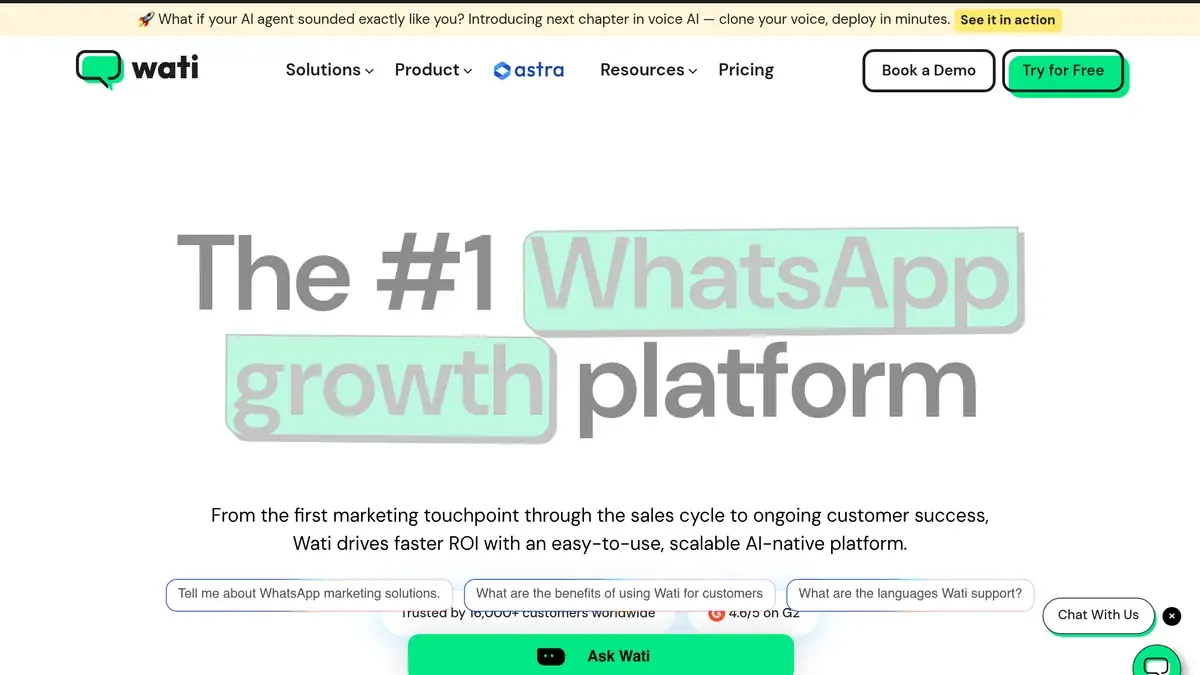 Screenshot of the Wati website.
Wati is a WhatsApp Business API platform. Its omnichannel inbox covers WhatsApp, Instagram, Facebook, TikTok and a website widget.
- Marketing: broadcast campaigns, click-to-WhatsApp ads, chatbots, a team inbox and the WhatsApp Catalog. On wati.io, the Growth plan includes 15k broadcasts a month, and Pro includes unlimited broadcasts and campaigns based on Shopify buyer data.
- E-commerce: on wati.io, the Shopify abandoned cart and order templates require a $4.99/month Shopify add-on. Wati also has a Shopify App Store app for cart recovery, order updates and personalized campaigns. That listing names WooCommerce among the apps it works with.
- Pricing: on the Shopify App Store, Growth is $69/month (or $708/year), Pro $149/month and Business $349/month, with a 7-day trial. Message charges are extra, and pricing varies by country.
Worth a look only if you also want Instagram, TikTok and Messenger DM automations in the same tool. See the full Kanal vs Wati comparison.
6. Interakt, WhatsApp and Instagram automation
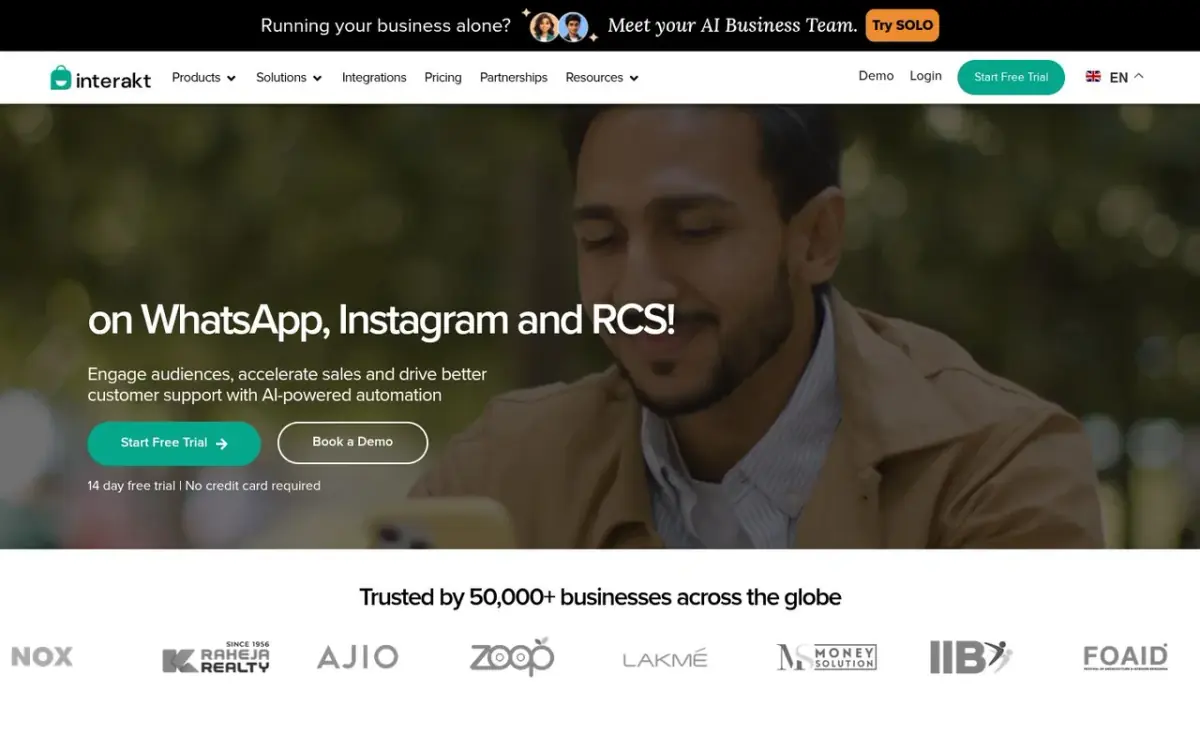 Screenshot of the Interakt website.
Interakt sells WhatsApp and Instagram automation plans, plus a separate WhatsApp sales CRM.
- Marketing: one-time and ongoing campaigns, click-to-WhatsApp ads, click and conversion tracking, a chatbot builder, WhatsApp forms, a catalog, a checkout bot and WhatsApp Pay.
- E-commerce: its Shopify integration covers order update notifications, abandoned checkout reminders, winback notifications, a COD to prepaid flow, and contact and catalog sync. Razorpay, PayU and WooCommerce are listed as apps.
- Pricing: Growth is $55/mo (+taxes) and Advanced $69/mo (+taxes). Enterprise is on request. Message costs depend on the template type and your region.
Worth a look only if you want Instagram automation in the same plan, or most of your orders are cash on delivery. See the Kanal vs Interakt comparison.
7. AiSensy, WhatsApp marketing priced in rupees
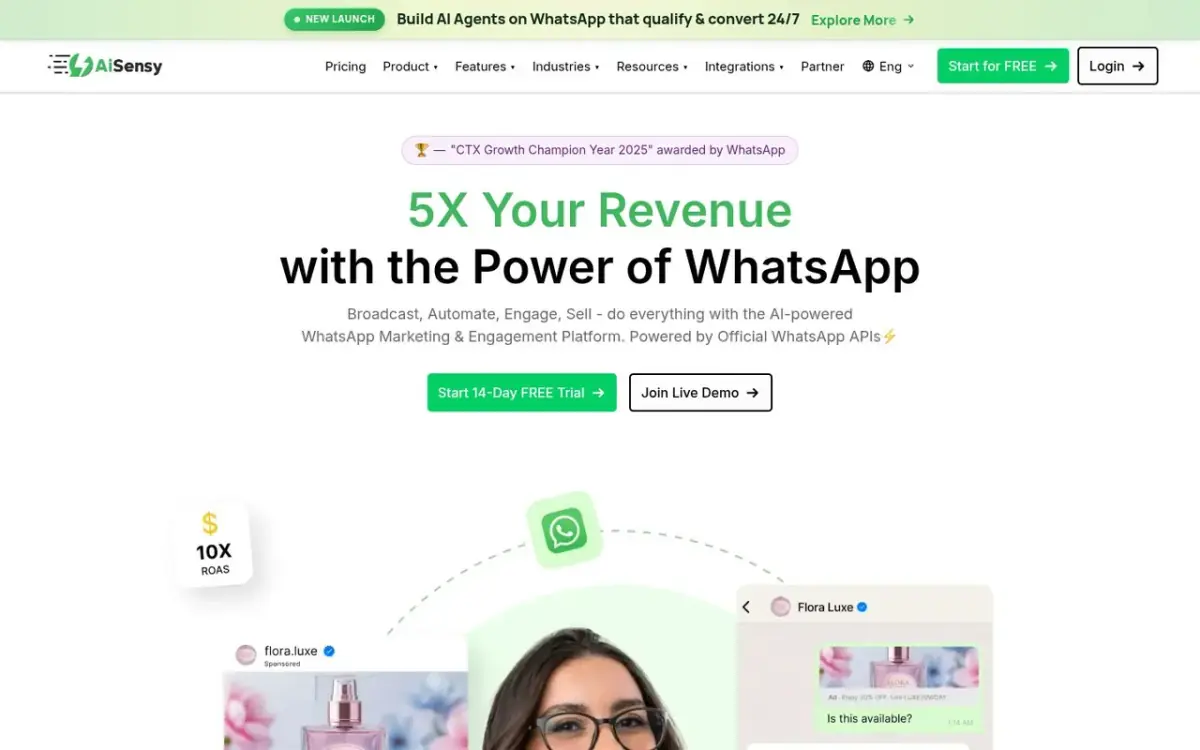 Screenshot of the AiSensy website.
AiSensy's pricing page is built for the Indian market, with plans billed in rupees.
- Marketing: WhatsApp broadcasting with retargeting and click tracking, drag-and-drop chatbot flows, AI agents, an ads manager for click-to-WhatsApp ads, the WhatsApp Catalog, payments and forms.
- E-commerce: its Shopify app ($1 one-time charge on the Shopify App Store) sends up to three abandoned cart reminders, COD confirmations, and shipping and delivery updates. Razorpay and Shopify checkout integrations are also listed.
- Pricing: Basic is ₹1,500/mo and Pro ₹3,200/mo. Broadcasting starts on paid plans. The chatbot builder (₹2,500/month) and the AI agent builder (₹1,350/month) are add-ons. Billing is pre-paid, and WhatsApp credits are topped up separately.
Worth a look only if you sell mainly in India and want rupee billing. See the Kanal vs AiSensy comparison.
8. SleekFlow, an omnichannel platform with AI agents
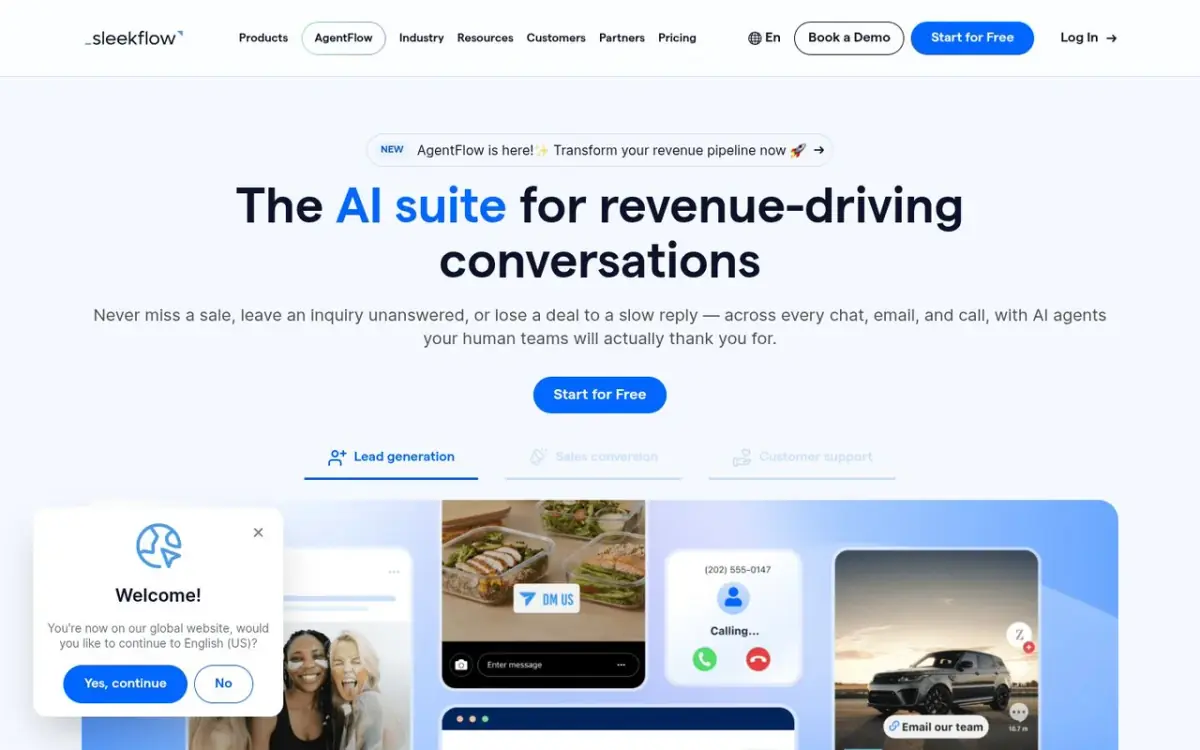 Screenshot of the SleekFlow website.
SleekFlow is an omnichannel conversation platform built around AI agents.
- Marketing: broadcast campaigns, an automation flow builder, AI agents and an omnichannel inbox, with campaign analytics.
- E-commerce: the Shopify integration shows order history and abandoned carts next to each chat and syncs the product catalog. Agents can build carts and share checkout links, and abandoned carts can trigger WhatsApp or SMS nudges. Stripe, Zapier and Make connect on the Pro plan.
- Pricing: Pro is US$109/month billed yearly (US$1,308 a year), with 500 monthly active contacts and 10 users. Premium is US$279/month, also billed yearly. SleekFlow offers a 7-day trial.
Worth a look only if your team sells through conversations across chat, email and calls, and wants AI sales agents. See the Kanal vs SleekFlow comparison.
9. Respond.io, a customer conversation platform
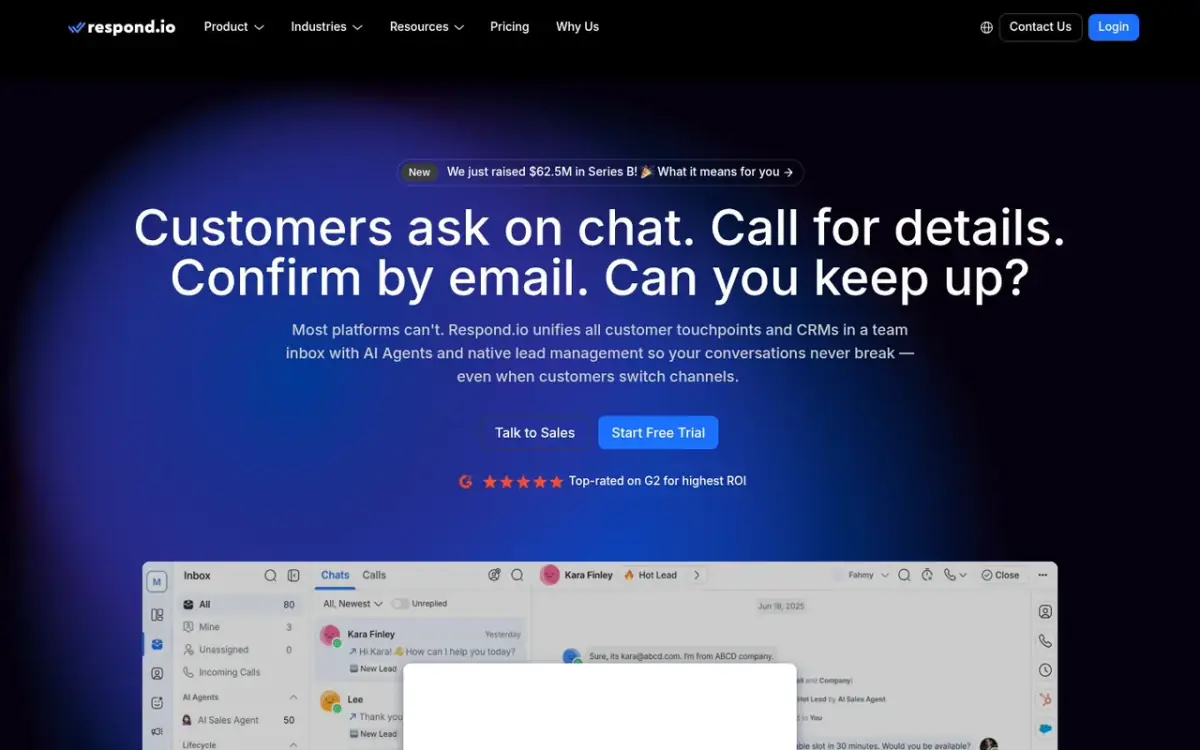 Screenshot of the Respond.io website.
Respond.io manages customer conversations from all channels in shared team inboxes.
- Marketing: broadcasts, workflow automation and AI agents start on the Growth plan. Starter covers team inboxes, AI assist and basic reports.
- E-commerce: respond.io adds a chat widget to your Shopify store. To sync orders and contact data, it points to Make, n8n or Zapier.
- Pricing: Starter is $79/month ($948/yr billed yearly) and Growth $159/month ($1,908/yr billed yearly). WhatsApp fees are not included in any plan. The 7-day trial excludes broadcasts.
Worth a look only if one inbox across many messaging channels is the priority, and you are comfortable connecting store data through Make, n8n or Zapier. See the Kanal vs Respond.io comparison.
10. Trengo, an omnichannel customer inbox
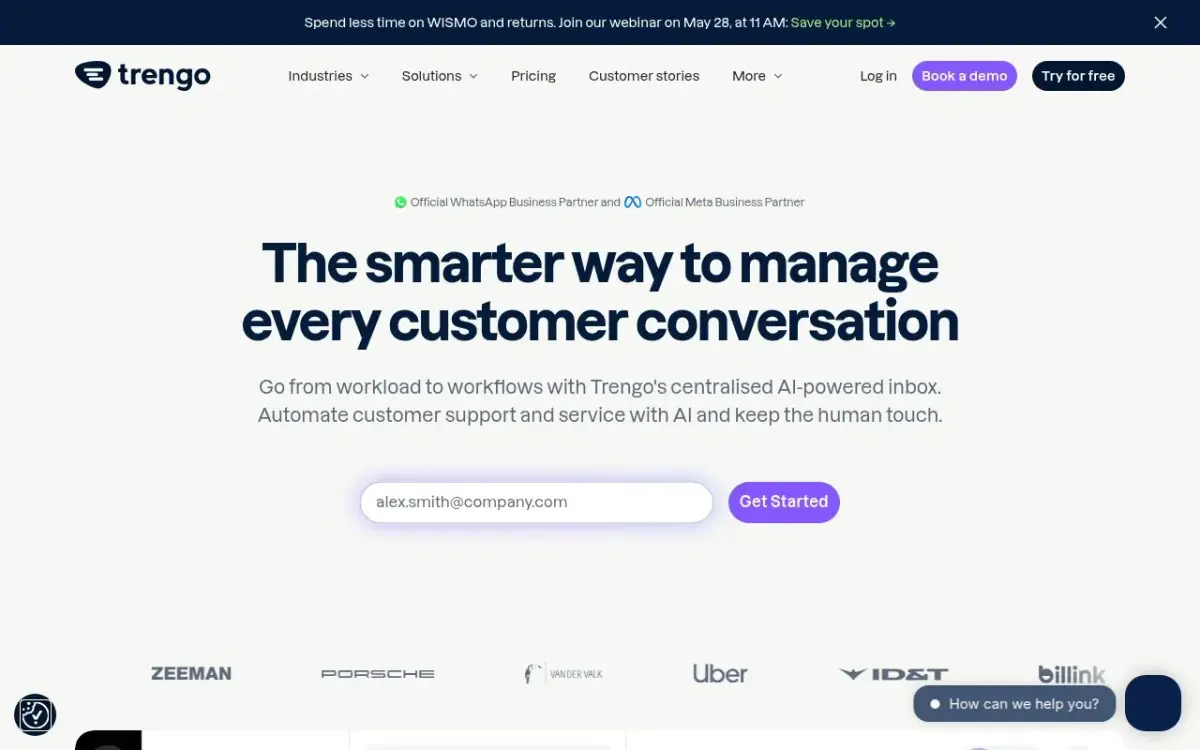 Screenshot of the Trengo website.
Trengo is an omnichannel inbox. It connects the WhatsApp Business API, email, Instagram, Facebook, live chat, SMS and voice.
- Features: a unified inbox, an AI Agent (HelpMate), AI Journeys (in beta) and broadcasting.
- E-commerce: the Shopify integration brings customer and order context into conversations. Its AI Agent can answer availability questions and recommend products from live Shopify data.
- Pricing: Boost is €299/month billed annually (€349 month to month) for 10 users and 6,000 conversations a year. Pro is €499/month billed annually (€599 month to month) for 20 users. Trengo counts a conversation as any reply within a 7-day window, and 100 extra conversations cost €18 (€15 on yearly billing).
Worth a look only if customer service across every channel is the main need, rather than WhatsApp marketing. See the Kanal vs Trengo comparison.
Other platforms on WhatsApp marketing shortlists
Superchat, Gallabox and Rasayel also come up when brands compare WhatsApp platforms. We compare each of them with Kanal on its own page: Kanal vs Superchat, Kanal vs Gallabox and Kanal vs Rasayel.
What WhatsApp marketing really costs
Budget for two layers: the platform and Meta.
- The platform subscription. Models differ. Kanal charges a subscription from $89/month and passes Meta's fees through at cost. Chatarmin shows a €0.00 markup per conversation. Zoko Starter adds $0.015 per conversation. SleekFlow and Respond.io size plans by monthly active contacts, and Trengo plans include a conversation allowance.
- Meta's WhatsApp fees. Since July 1, 2025, Meta charges per delivered message instead of per conversation, with rates by country and message category (Meta's pricing documentation). Until September 30, 2026, non-template messages sent inside an open 24-hour customer service window (service messages) were not charged, and neither were utility templates sent inside that window.
- The October 1, 2026 change. Meta started charging per message for service messages, at the utility rate of each market after 1,000 free service messages per business phone number each month, and for utility templates sent inside an open 24-hour customer service window (Meta's announcement). Beyond the free allowance, replies to customers now carry a cost.
- Add-ons. Check users, AI credits and paid flows. Zoko, for example, sells AI agents at $24.99/mo each, and AiSensy sells its chatbot builder separately.
For country rates and worked examples, read the WhatsApp Business pricing guide.
How to choose
For most online stores the answer is short. If you want WhatsApp to drive revenue with the least setup, start with Kanal. It is built for e-commerce, and on Shopify it works with your store data from the first install. If nobody on your team owns the channel, a WhatsApp marketing agency or Kanal's premium setup gets it live for you.
The other platforms are worth a look only in narrow cases:
- Customer service across every channel is the main job: Trengo or Respond.io.
- You sell mainly in India and want rupee billing: AiSensy.
- You need Instagram, TikTok and Messenger DM automations in the same tool: Wati.
- You want a sales-led rollout on a Salesforce or Emarsys stack: Charles.
- You need hosting in Germany, or your store runs on Shopware or Magento: Chatarmin.
- Most of your orders are cash on delivery: Zoko or Interakt.
- Your team sells in chat, email and calls with AI sales agents: SleekFlow.
For a store focused on sales, the deciding factor is native store data. That is where Kanal is built to win.
The fastest path to a working WhatsApp revenue channel is to book a Kanal demo, compare Kanal's plans, or install the app from the Shopify App Store. Comparing API providers rather than marketing tools? Read our WhatsApp Business API providers comparison.
Frequently asked questions
What is the best WhatsApp marketing software?
It depends on your store and your channels. For a Shopify store, Kanal is a WhatsApp marketing and sales app built for Shopify: a native app, abandoned checkout recovery, campaigns to synced segments, order updates, an AI chatbot trained on your catalog and a shared inbox. Kanal sends WhatsApp messages only, and Meta's WhatsApp fees are passed through at cost. The other platforms fit other needs, such as Trengo or Respond.io when multichannel support is the main job.
What is the best WhatsApp marketing tool for Shopify?
For a Shopify store, Kanal is a WhatsApp marketing and sales app built for Shopify: it installs from the Shopify App Store and syncs products, customers, checkouts and orders. Flows fire on real store events, segments sync from Shopify and Klaviyo, and revenue is attributed to each message. Kanal sends WhatsApp and SMS messages, and a Kanal expert can set it up with you.
How much does WhatsApp marketing software cost?
You pay two things: a platform subscription and Meta's per-message WhatsApp fees. Some platforms add a markup on each conversation, others pass Meta's fees through at cost. Kanal starts from $89/month with Meta fees at cost. Compare total cost at your sending volume, not headline prices. The comparison table in this guide lists each tool's starting price as displayed, and the WhatsApp Business pricing guide covers country rates.
Do I need the WhatsApp Business API to use WhatsApp marketing software?
Yes. Broadcasts to large opted-in lists, automated flows and a multi-agent inbox run on the official WhatsApp Business Platform (API), not on the WhatsApp Business app. Kanal connects your store to the API for you. It handles Meta Business verification, number provisioning and template approval, so no code or developer is required.
Does WhatsApp marketing cost more since October 2026?
Part of it does. Meta has charged template messages per message since July 1, 2025. Since October 1, 2026, Meta also charges per message for service messages, at the utility rate after 1,000 free ones per business phone number each month, and for utility messages sent inside an open 24-hour customer service window. Budget for customer replies, not only campaigns, and choose a platform that passes Meta's fees through at cost.
What features should WhatsApp marketing software have?
Official API access, a native sync with your store, abandoned cart and post-purchase flows, segmented broadcasts, a shared inbox, an AI chatbot, opt-in management and revenue attribution. Kanal includes all of them, with its deepest integration on Shopify.
See Kanal on your own store
- Your campaigns and cart reminders on WhatsApp, starting from your own store
- Post-purchase offers, back-in-stock alerts, then the AI agent that advises your customers
- You leave with the plan that fits and its price

- brands
- 500+
- to set up
- 5 min
- open rate on WhatsApp
- +90%
5/5 on the Shopify App Store (132 reviews)

Nicolas helps e-commerce brands grow revenue with WhatsApp marketing. With deep expertise in Shopify ecosystems and conversational commerce, he shares proven strategies for abandoned cart recovery, broadcast campaigns, and AI-powered customer engagement.
Glossary terms in this article
Quick definitions for the WhatsApp Business terms used above.
WhatsApp Business Platform
The WhatsApp Business Platform is the set of APIs Meta offers businesses to message customers on WhatsApp at scale: the Cloud API, the Business Management API and the Marketing Messages API. It is separate from the WhatsApp Business app, which runs on a phone.
Read full definitionWhatsApp Business App
The WhatsApp Business App is a free mobile application designed for small businesses to chat with customers, with a catalog, quick replies, and automated greeting messages.
Read full definitionWebhook
A WhatsApp webhook is an HTTP request with a JSON payload that Meta's servers send to a business's server whenever something happens on its WhatsApp account, such as an incoming message or a delivery status change.
Read full definitionAbandoned Cart Recovery
Abandoned cart recovery is the practice of messaging shoppers who added items to their cart but left without buying, to encourage them to complete the purchase.
Read full definitionOpt-in
A WhatsApp opt-in is the permission a person gives a business to send them messages on WhatsApp. WhatsApp's Business Messaging Policy requires it before any message: the business must have the person's phone number and their agreement to hear from that business.
Read full definitionClick-to-WhatsApp Ads
Click-to-WhatsApp ads are Facebook and Instagram ads whose button opens a WhatsApp chat with the business instead of a website. The shopper sends the first message, which lets the business reply freely and, under Meta's pricing, for free during a limited window.
Read full definitionWhatsApp Pay
WhatsApp Pay is the name commonly given to payments on WhatsApp: paying a person or a business without leaving the chat. For businesses, Meta documents payment features on the WhatsApp Business Platform for two countries, India and Brazil.
Read full definitionSegmentation
Segmentation is the practice of splitting a WhatsApp contact list into groups based on traits like purchase history, behavior, or engagement, so each group receives messages that are actually relevant.
Read full definitionWhatsApp Catalog
A WhatsApp catalog is a list of products or services, with names, images, prices and descriptions, that a business connects to its WhatsApp account so customers can browse and order without leaving the chat.
Read full definitionCustomer Service Window (24-hour window)
The customer service window is a 24-hour timer that starts when a WhatsApp user messages or calls a business. While it is open, the business can reply with free-form messages; once it closes, it can only send approved message templates.
Read full definitionUtility Template
A utility template is a WhatsApp message template that follows up on something the customer did or asked for: an order confirmation, a shipping update, a payment receipt. It must not contain promotional content, otherwise Meta re-categorizes it as marketing.
Read full definitionSuggested articles
50+ WhatsApp Message Templates for Ecommerce: Copy and Paste (2026)
53 WhatsApp message templates ready to copy and paste: abandoned cart, order updates, review requests, winback and promos. With Meta categories.
WhatsApp in Shopify Messaging: Pricing, Features and Limits
WhatsApp is live in Shopify Messaging: what the channel does, per-message prices by country ($0.106 UK, $0.172 France), limits and the US rule, October 2026.

WhatsApp vs SMS Pricing by Country: 20-Market Comparison (2026)
Compare WhatsApp vs SMS cost across 20 markets in 2026: indicative rates, break-even analysis for Shopify stores and how to cut your messaging bill.

WhatsApp Marketing for Beauty Brands: Strategies & Templates
The WhatsApp marketing playbook for beauty and skincare brands: consultation flows, replenishment automation, VIP loyalty and 7 templates (2026).