Comment to DM on Instagram: The Complete Setup Guide


Summarize this article with an AI
 ChatGPT
 Claude
Turn comments into DMs automatically: how comment-to-DM works, the keyword setup that converts, and how Shopify stores wire it to real product links.
Table of contents (4)
Key takeaways
- Comment-to-DM automation detects a keyword in the comments of a post or Reel and instantly sends the commenter a private message with the link.
- Pick one easy trigger word per campaign, then write a DM with one line of context, the link and one opening question.
- Instagram does not penalize the mechanic on the official messaging API with a professional account, but engagement-bait wording gets flagged.
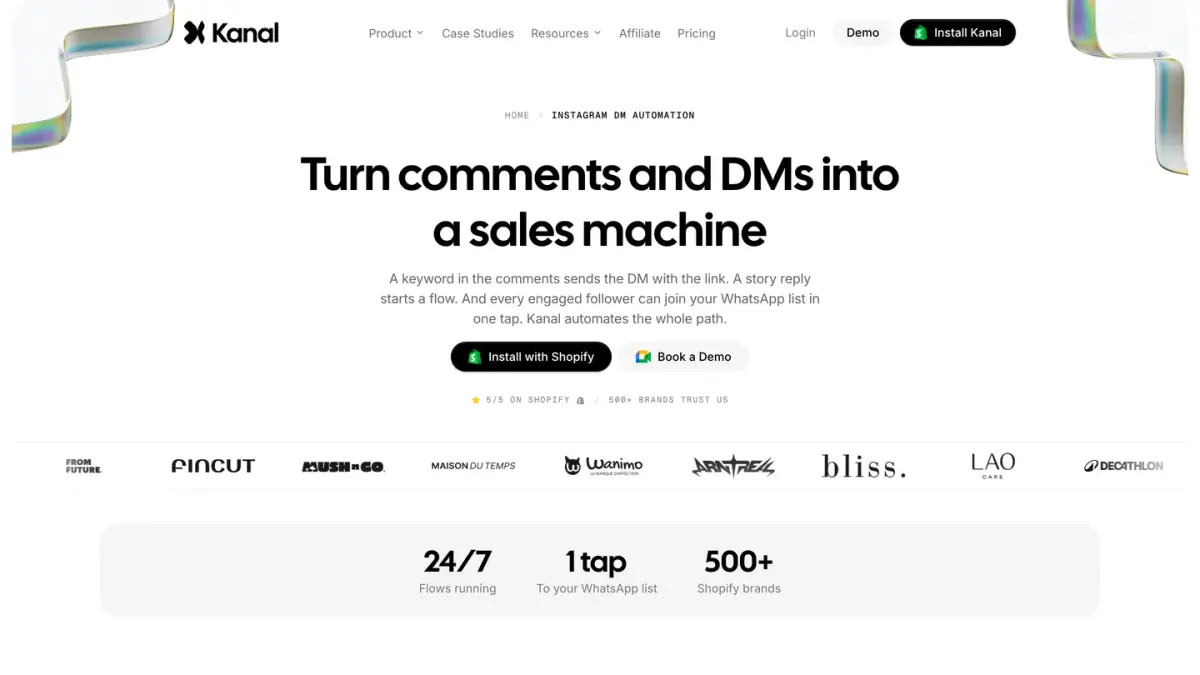
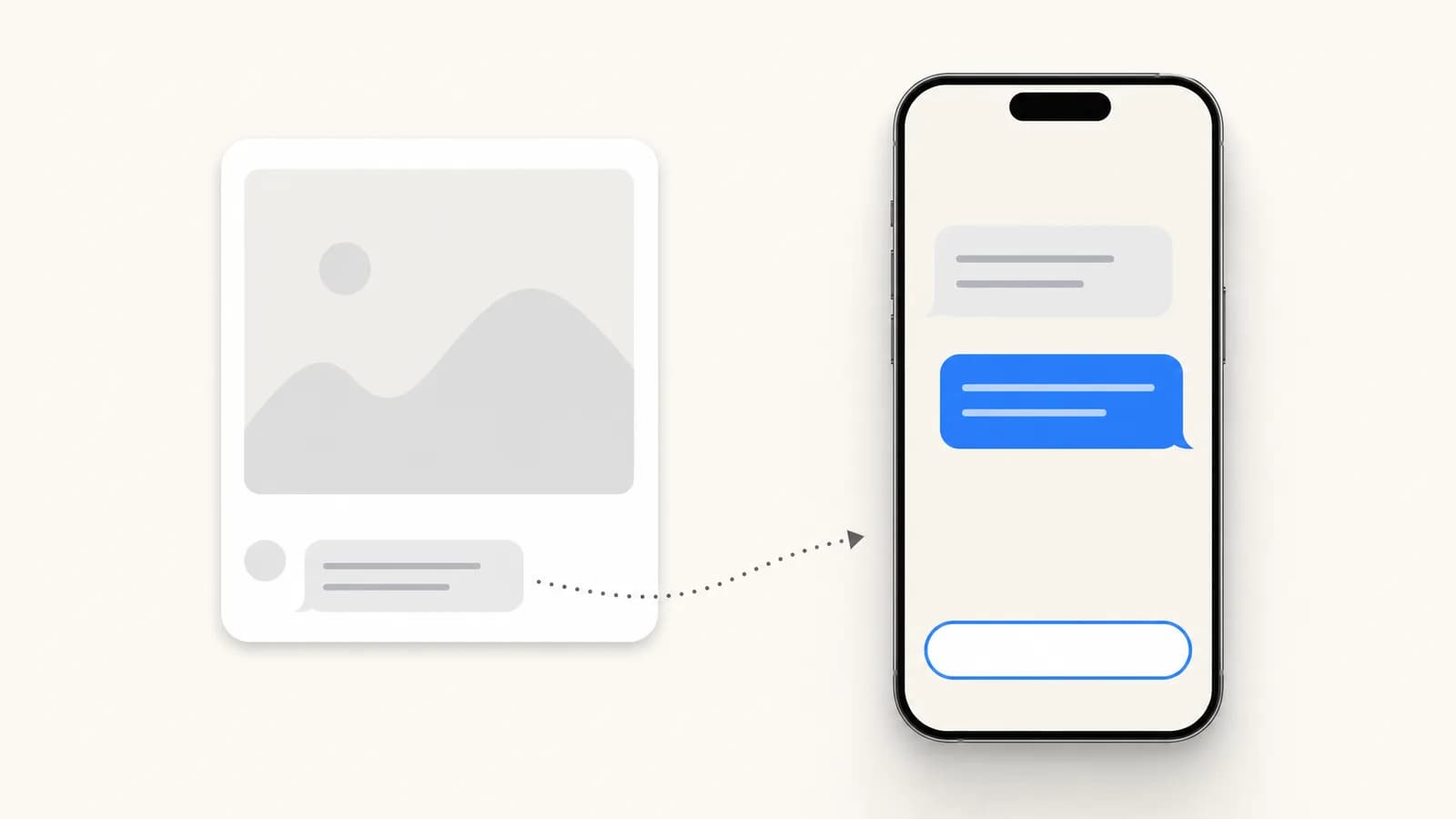
"Comment LINK and I'll send it to you." That one sentence turned into a familiar growth mechanic on Instagram, because it fixes two problems at once: posts with outbound links get throttled, and manually DMing three hundred commenters is impossible. Comment-to-DM automation detects a keyword in the comments of a post or Reel, and instantly sends the commenter a private message with the link, the product, or the code.
Why it works so well
- The algorithm rewards it. Comments are strong engagement signals, so asking for a comment boosts the post's reach instead of hurting it.
- The DM is personal. A link in a DM gets opened; a link in a bio gets forgotten.
- It captures intent at the peak. The person just saw the product and acted. The DM arrives seconds later, not the next morning.
The setup, step by step
- Pick a trigger word that is easy to type: LINK, GUIDE, PRICE, or the product name. One word per campaign.
- Write the DM it triggers: one line of context, the link or product card, and one question to open the conversation ("want the size guide too?"). Our Instagram DM templates give ready-to-copy wording for this message.
- Choose the posts: a specific post or Reel, or every post that contains the word.
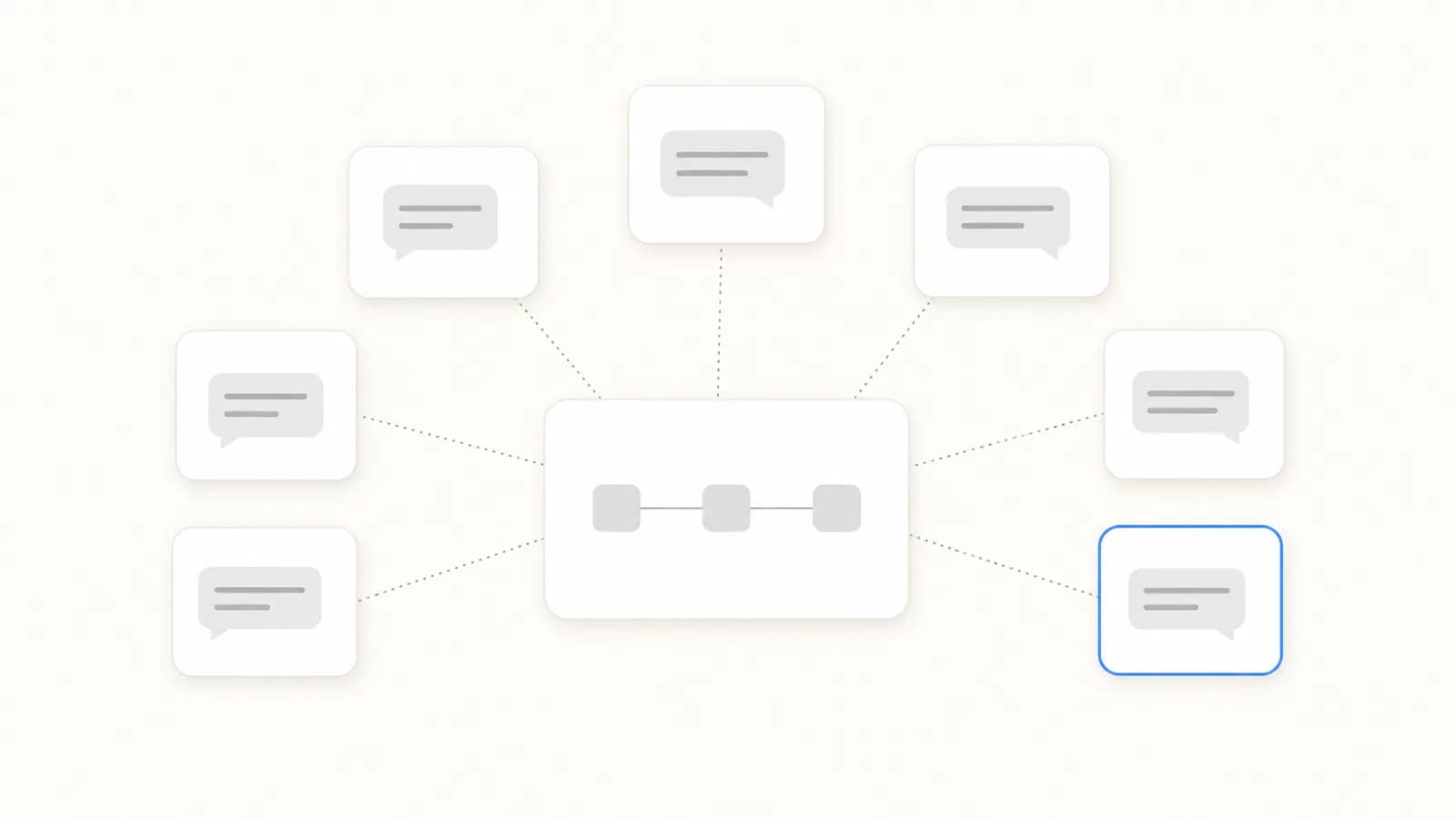
- Plan the follow-up: if the person replies, keyword flows take over, sizes, shipping, checkout link.
- Add the comment reply (optional): a public "sent you a DM 📩" under their comment doubles as social proof for the next viewer.
With Kanal's Instagram DM automation, the trigger, the DM, and the follow-up flows run through the official API, and the product cards come straight from your synced Shopify catalog.
What happens after the DM
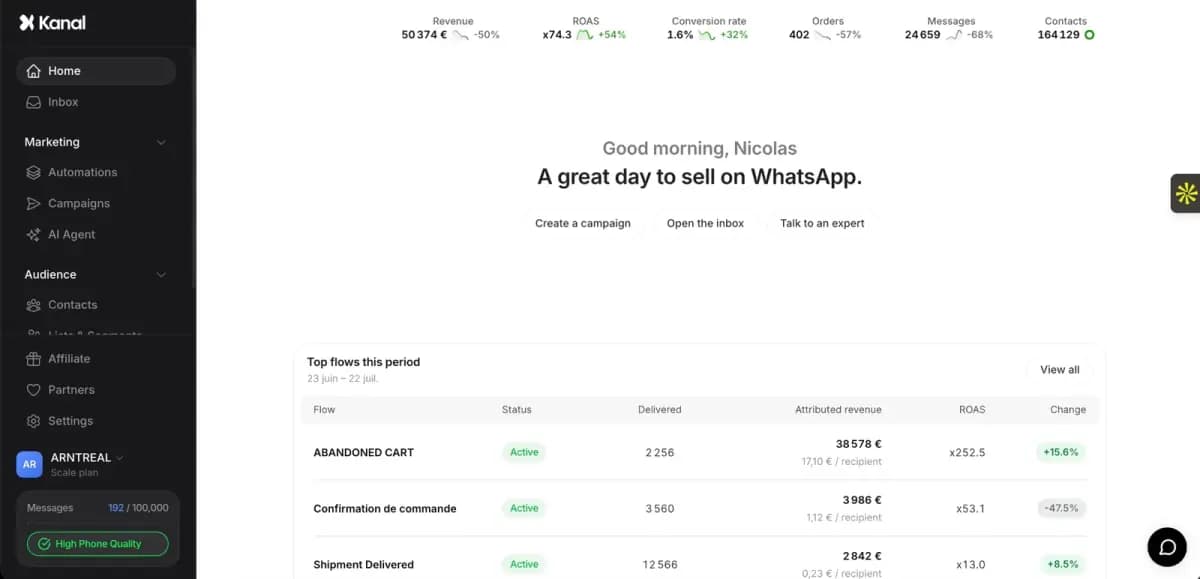
Sending the link is the easy half. The conversion happens in the conversation that follows: a question about sizing, a hesitation about shipping. Rule-based flows only cover the questions you scripted. Kanal's AI answers handle product questions from your store data, and your most engaged commenters can join your WhatsApp list in one tap, so you can message them about your next drop directly instead of competing for reach in the feed.
If you are comparing tools for this, ManyChat popularized comment-to-DM: our guide to ManyChat for Instagram explains its triggers, our Kanal vs ManyChat comparison covers where each one fits, and our ManyChat pricing breakdown explains the contact-based costs.
FAQ
Does comment-to-DM work on Reels? Yes, on posts and Reels: the trigger works the same way on both formats.
Can Instagram penalize this? Not when it runs on the official messaging API with a professional account. Engagement-bait wording ("comment 5 times") is what gets flagged, not the mechanic itself.
What conversion rate should I expect? There is no reliable public benchmark for comment-to-DM conversion. Measure it on your own posts: how many commenters open the DM, how many click through, and how many buy. The click-through share depends on how tight the post-to-product match is, so test one strong post before scaling the mechanic to everything.
See Kanal on your own store
- Your campaigns and cart reminders on WhatsApp, starting from your own store
- Post-purchase offers, back-in-stock alerts, then the AI agent that advises your customers
- You leave with the plan that fits and its price

- brands
- 500+
- to set up
- 5 min
- open rate on WhatsApp
- +90%
5/5 on the Shopify App Store (132 reviews)

Nicolas helps e-commerce brands grow revenue with WhatsApp marketing. With deep expertise in Shopify ecosystems and conversational commerce, he shares proven strategies for abandoned cart recovery, broadcast campaigns, and AI-powered customer engagement.
Suggested articles
ManyChat for Instagram: How It Works, Setup and Rules
How ManyChat automates Instagram: connecting a professional account, the comment, story reply and DM keyword triggers, and the Meta rules that apply.
7 ManyChat Alternatives for Instagram DM Automation (2026)
Seven ManyChat alternatives compared for Instagram DM and WhatsApp automation, with the plans and prices each vendor displayed on October 11, 2026.
Instagram Automatic Messages: Native Setup Guide (2026)
How to set up automatic messages on Instagram: welcome message, away message, FAQ and saved replies, with the menu paths from Meta's help pages.

8 Best Instagram Automation Tools in 2026: Prices Compared
Eight Instagram automation tools compared, with prices displayed on October 11, 2026, and what Instagram allows: the official API versus login bots.